
If you want to see what your recipient download page looks like, you will need to create a shareable link.
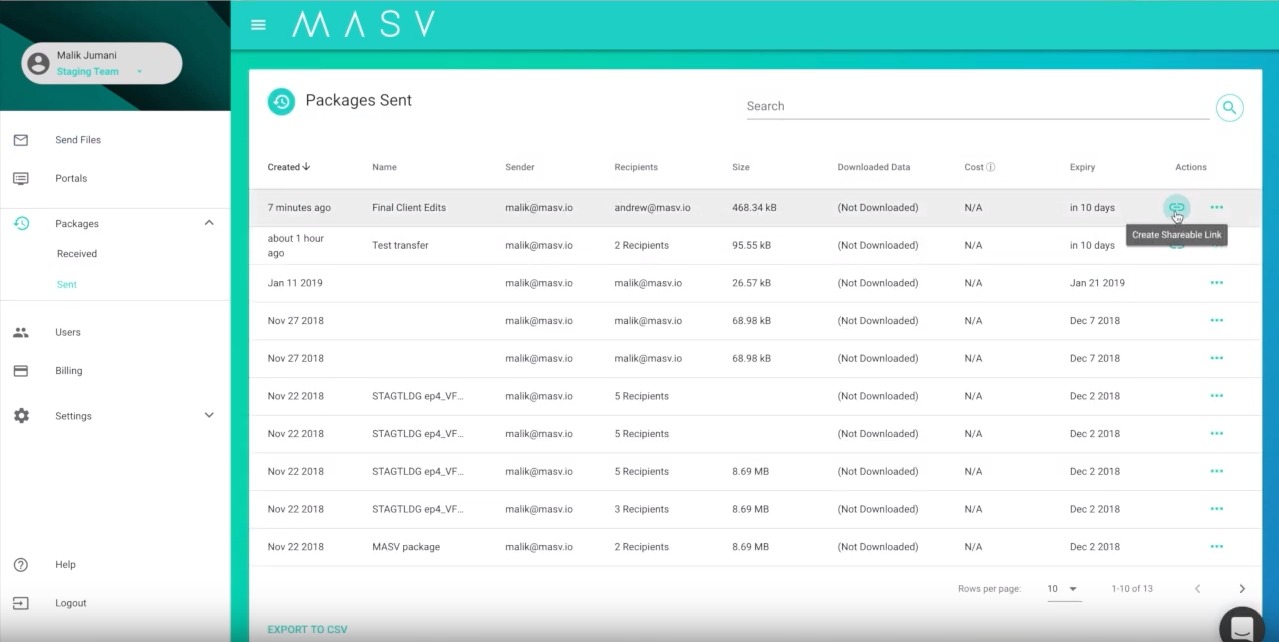
To create shareable link, navigate to the Packages section and select the 'Create Shareable Link' icon:
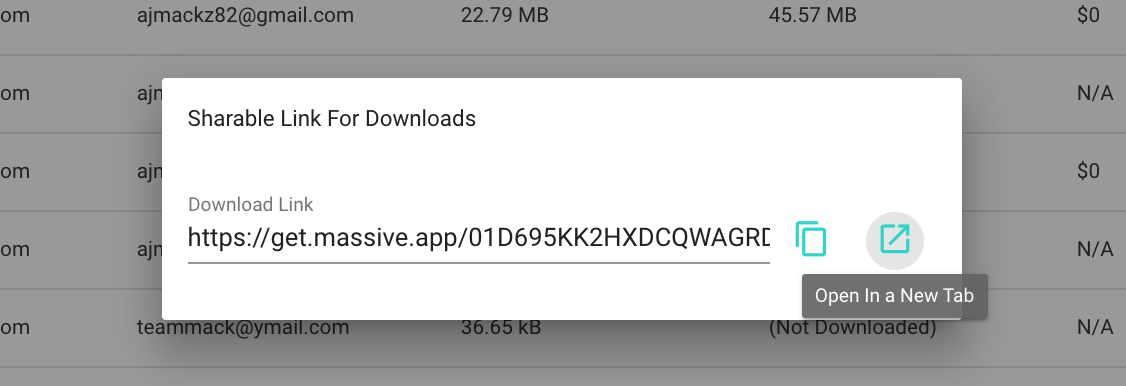
Select the 'Open in a New Tab' icon:
View your download page:
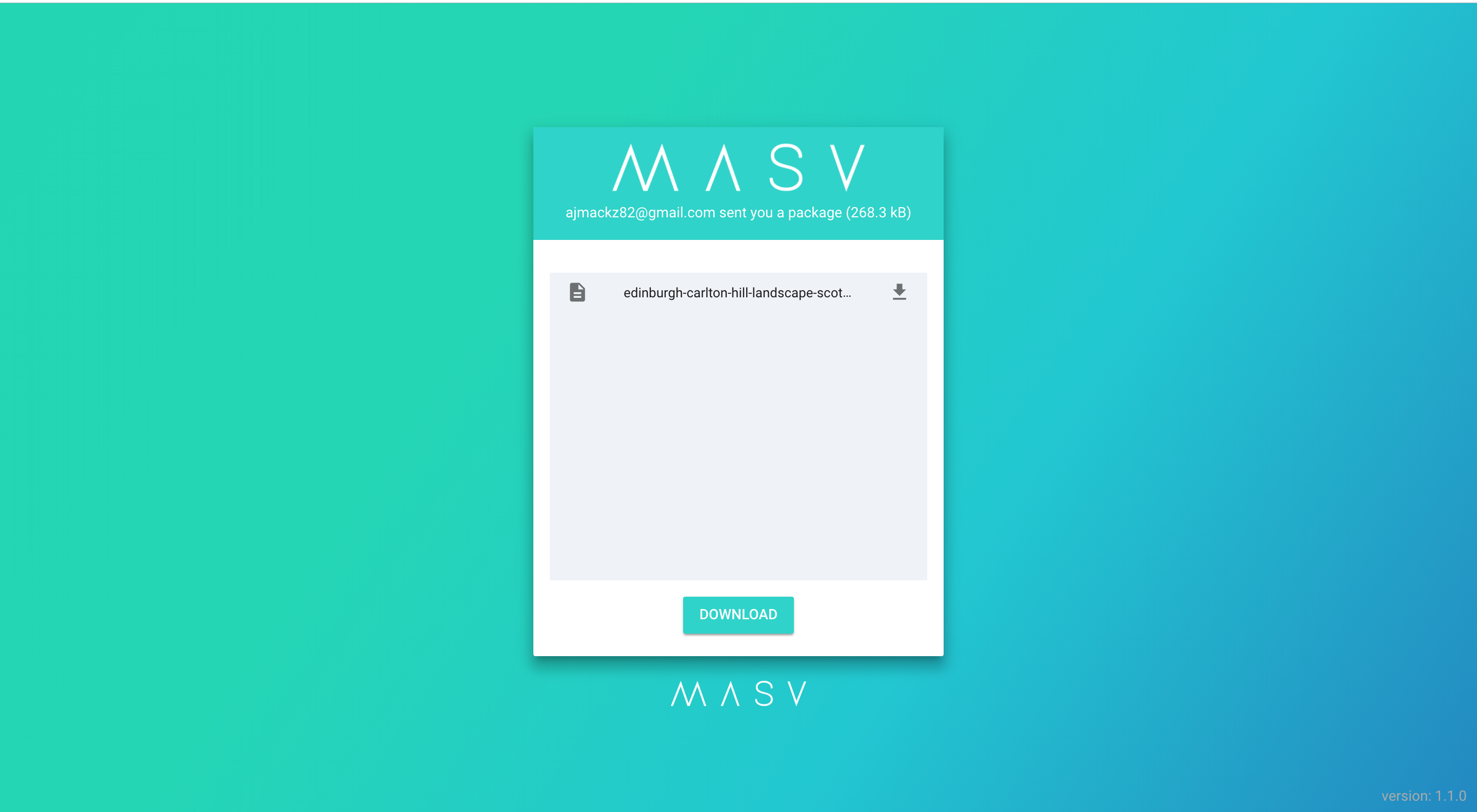
Please note, that if you select the download button on the shareable link, you will be charged for any data you download.